
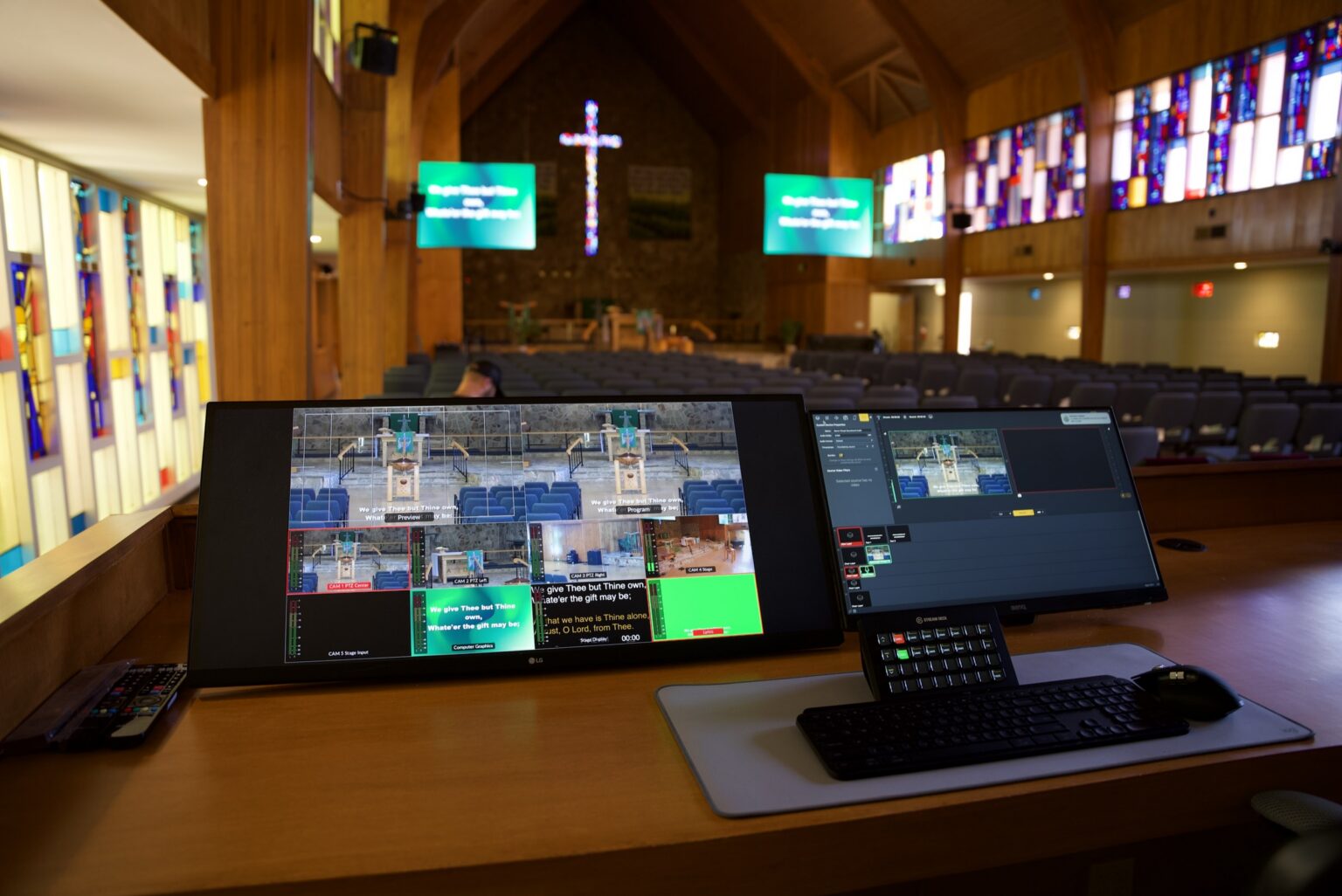
Church AV networking and control systems
The infrastructure behind the booth decides whether your system is still reliable in year five. Churchfront designs and installs the networks, power, patching and control that let a volunteer start Sunday with one switch, and let us support it from anywhere.
The usual way
Everything works, until the one person who knows it leaves
Most church systems grow one device at a time, on whatever network and power happen to be nearby. It works well enough on a good Sunday, but nobody else can run it, fix it or change it.
- Audio and video share the office network and drop out on busy Sundays
- Speakers thump because the system powers up in the wrong order
- A small Tuesday event still needs someone to wake the whole console
- Moving one input means rebuilding the patch at the console
- Cables with no labels and no drawings to match them
- No way for anyone outside the building to help when something fails

Why it matters
The part you cannot add later
A network built for AV
Dante audio, video over IP and your livestream need a network designed for them, with managed switching kept separate from office traffic.
Power that comes up in order
Sequenced power means one switch in the morning brings the building up in the right order, and nothing thumps.
Control a volunteer can run
Touch panels, presets and phone control give the building a simpler mode for the events that do not need a trained engineer.
Documented and supportable
Every cable is labeled to a schedule and every signal path is drawn. With remote access built in, our team can help without anyone driving to your building.

What we design and install
The infrastructure
behind every service.
Networking, power, patching and control tie your sound, video and lighting together. We design them as one system, so each part is reliable and the whole thing is easy to run.
Audio networking
Digital audio carried over the network between stage, console, amplifiers and broadcast.
Dante and AVB audio networking. Stage boxes and I/O. Network audio across rooms and zones.
Network infrastructure
A production network that stays fast and stable, whatever is happening on the rest of your campus.
Managed switches and VLAN design. Production and streaming bandwidth planning. Coordination with your IT team.
Power and sequencing
Clean, protected power that turns on and off in the right order, every time.
Power sequencers and networked power control. Dedicated circuits and grounding. Battery backup for critical equipment.
Control systems
Simple controls for the people who are not audio engineers.
Touch-panel and phone control. DSP presets and zone control. Stream Deck and wall panels for volunteers.
Patching and racks
Racks built so the next change happens at the rack, not with a rebuild at the console.
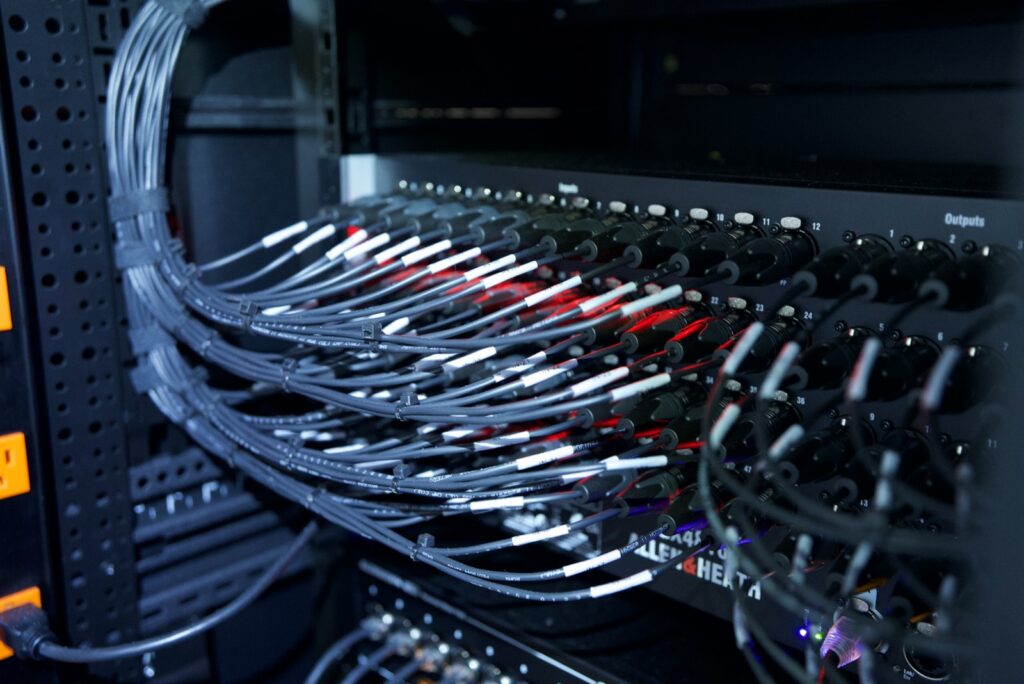
Patch bays. Racks pre-built and tested before they ship. Cable schedules and labeling.
KVM and booth computers
A clean booth with the computers moved out of the way and every screen where the operator needs it.
KVM over IP. Dedicated presentation and playback machines. A remote support connection for our team.

From drawing to rack
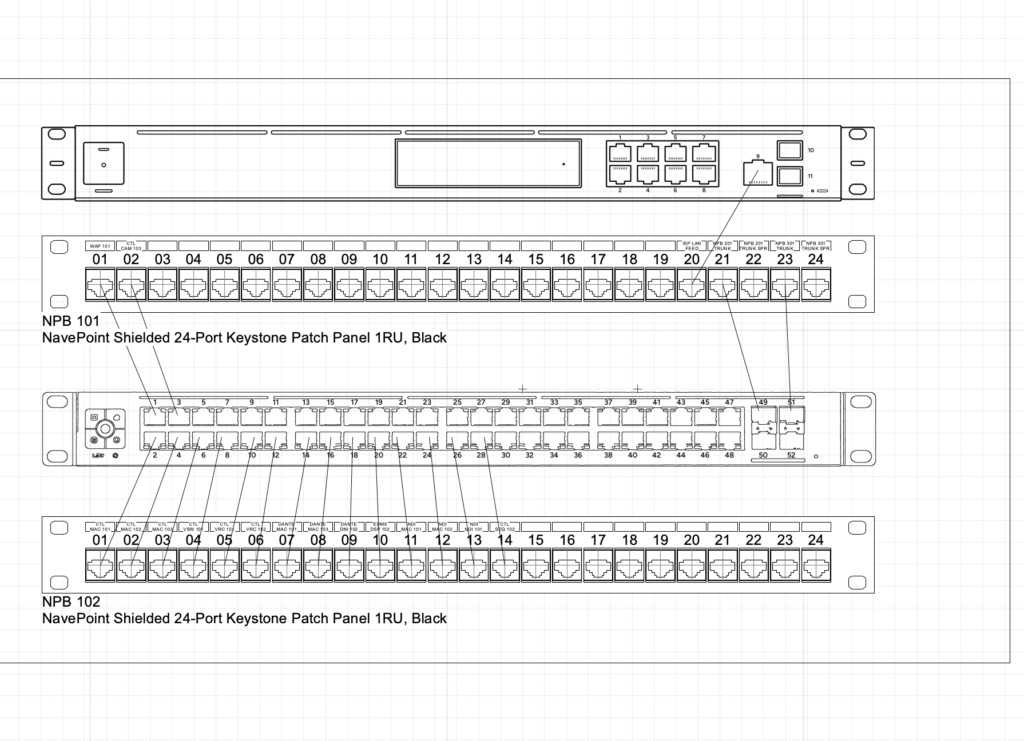
Drawn port by port, then built to match
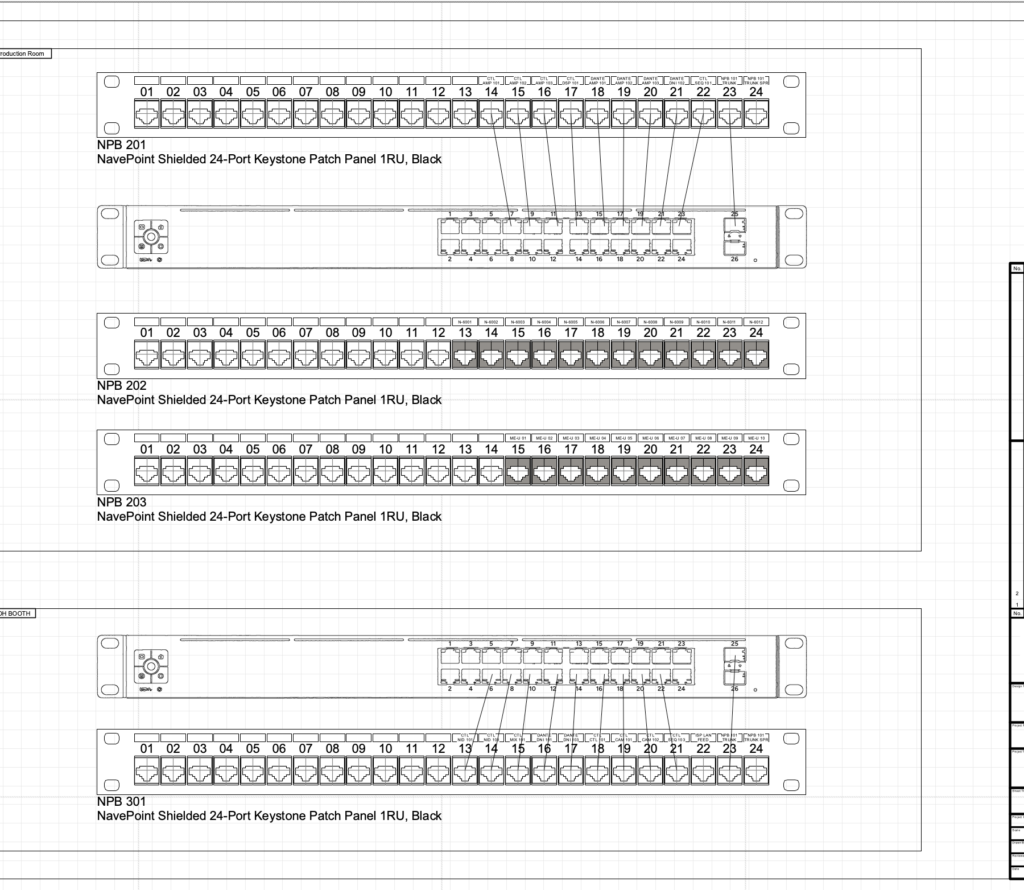
Every network patch bay is drawn before it is built: which switch port feeds which patch panel position, and what each one is called. The labels in the rack match the labels on the drawing, so the next person to open it knows exactly what they are looking at.
- Switch ports mapped to labeled patch panel positions
- Patch cables labeled to match the drawings
- Racks pre-built and tested before they ship
- As-built drawings handed over at closeout
How a project runs
Drawn on paper, then built to the drawing
Map what you have
Your existing network, power, racks and equipment, and how your team actually uses the building through the week.
Design the infrastructure
Network layout, power and sequencing, rack elevations and a signal schematic that names every device, port and cable.
Build and test the racks
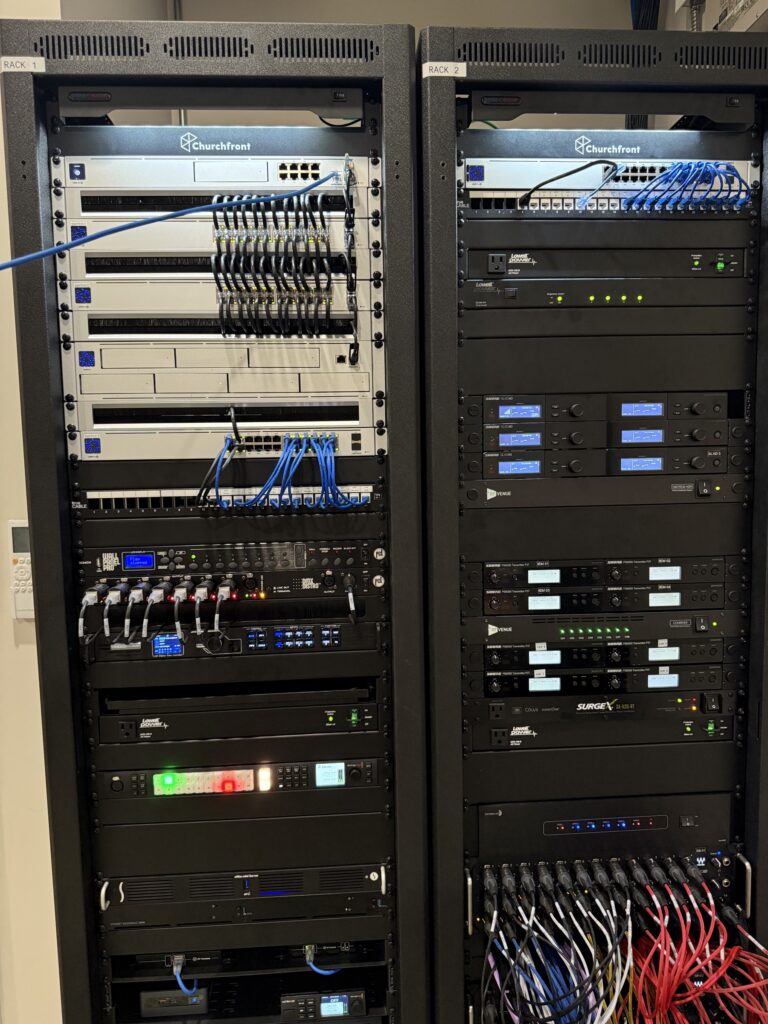
Racks are pre-built and tested in our warehouse before they ship, so install week is about the building, not the wiring.
Install and verify
Every cable labeled at both ends and every signal path verified against the design at commissioning.
Hand over and support
Volunteer training, as-built documentation and a remote support connection, so help is a call away rather than a site visit.
The work
A second, simpler mode for the rest of the week
Palm City Presbyterian's family life center is a gym on weekdays and a worship room on Sunday. A digital console runs the service. Behind it, an audio matrix and a ten-inch touchscreen give the building a second, simpler mode.
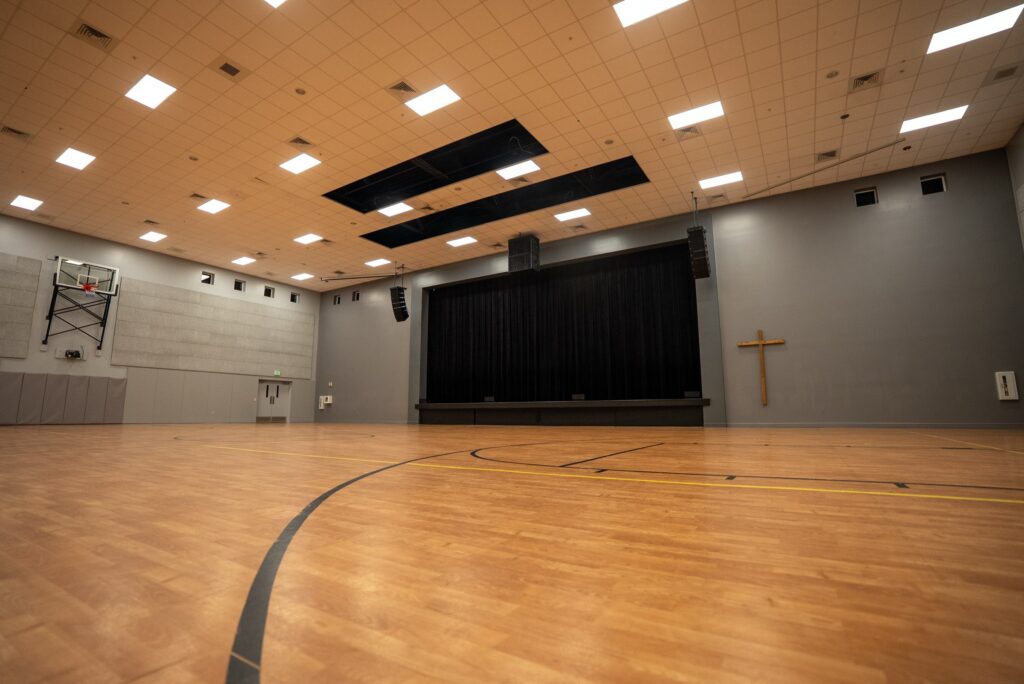
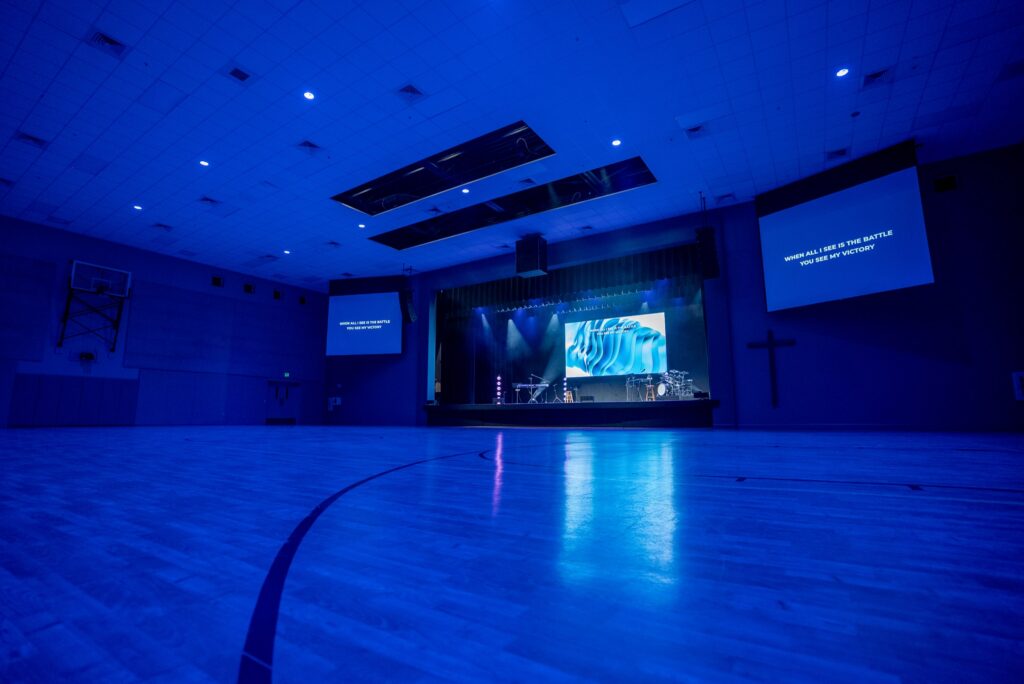
Someone can walk into a Tuesday event, pick up a wireless handheld, play audio from a phone, and never wake the console. That is what good control design looks like: the simple things stay simple.
More projects
Built to be run, and supported from anywhere
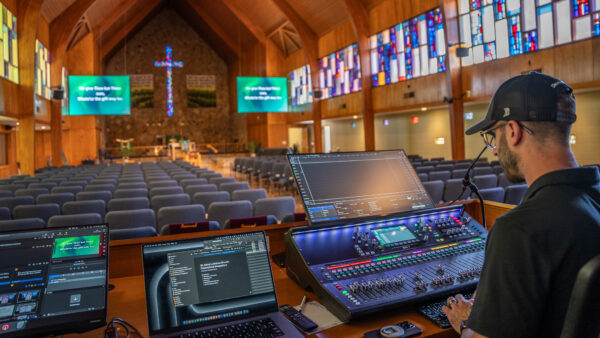
St. John’s Lutheran Church
A rack with a sequencer at the top, so one switch in the morning brings the building up in the right order. A remote node lets our team service the system from Florida.
Napa, California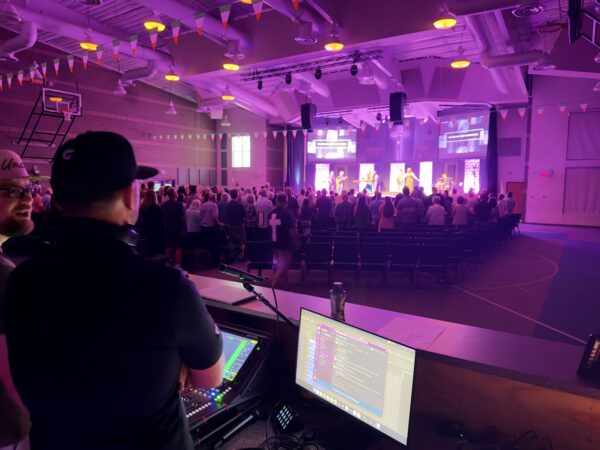
North Metro Church
Patch bays so the team moves an input at the rack, phone control for events without an engineer, and KVMs with a dedicated remote support machine.
Colorado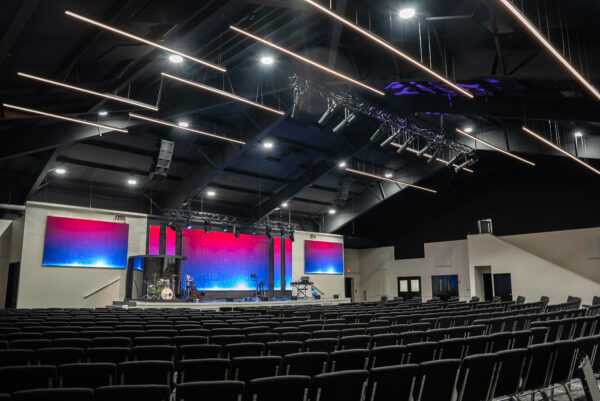
First Baptist Church Pontotoc
Networked power sequencing means our team can bring the system up, take it down or diagnose it from Florida, which matters most for a small church in a small town.
Pontotoc, MississippiCommon questions
Church AV networking questions
Does our church AV system need its own network?
Usually, yes. Dante audio, video over IP and livestreaming are sensitive to congestion, so we keep production traffic on managed switching separate from office and guest traffic. That can be dedicated hardware or a properly configured VLAN, depending on your building and your IT setup.
What is Dante, and does our church need it?
Dante carries many channels of digital audio over a standard network cable instead of heavy analog snakes. It makes it easier to connect the stage, console, amplifiers, broadcast mix and other rooms, and to change the system later. Most modern church systems benefit from it.
Why do our speakers pop when the system turns on?
Usually because equipment powers up in the wrong order, with amplifiers on before the sources feeding them. A power sequencer turns everything on and off in the right order from one switch.
Can volunteers run our system without an audio engineer?
Yes, if it is designed for them. Touch panels, presets and phone control give the building a simpler mode for small events, so someone can use a microphone and play music without touching the main console.
Can you support our system remotely?
Yes, when remote access is built into the design. On many of our projects our team can check the system, bring it up or take it down, and diagnose problems from our office, without anyone driving to your building.
Can you work with our IT team and existing network?
Yes. We coordinate with your IT staff or provider on switching, VLANs and access, so the production network and the rest of your campus network each do their job without interfering.
What is a KVM, and why use one in a tech booth?
A KVM lets the keyboard, video and mouse for a computer sit at the operator's desk while the computer itself lives in a rack. It makes for a cleaner, quieter booth and keeps the computers out of reach of spilled coffee.
Let’s talk about your infrastructure.
Tell us how your system works today and who runs it. We will tell you honestly what will make it more reliable and easier to run.