
The short answer: train volunteers on your system, in your room, with a repeatable process. Give every service a known starting point, teach the few things that matter most, and write the routine down. A system that only one person understands is not finished, however good the equipment is.
Most church production teams are volunteers, and on many Sundays one person runs everything. This guide explains how to set them up to succeed: what to put in place before training, what to teach first, and where to find free training for the whole team.
In this guide
- First, make the system teachable
- A repeatable process beats talent
- What to teach first
- How to run a training session
- The roles on a production team
- Free training for your team
- Common questions
- Next steps
First, make the system teachable
Training cannot fix a system that is hard to run. Before you train anyone, make the system as simple as it can be:
- A saved starting point. A console scene, lighting presets and camera shots saved and labeled, so a volunteer starts from a known-good setting.
- Labels on everything. Every cable, input, button and switch.
- Only what is needed in view. A console layout that shows the channels in use, and a few lighting looks on buttons.
- Protection for what should not change. Settings a volunteer cannot alter by accident.
- A written routine. One page: how to turn it on, what to check, how to shut it down.
When we hand over a project, this setup is part of the work. A volunteer on a thin Sunday should be able to walk in, recall the scene and run a service that sounds like the church's best engineer set it up.
A repeatable process beats talent
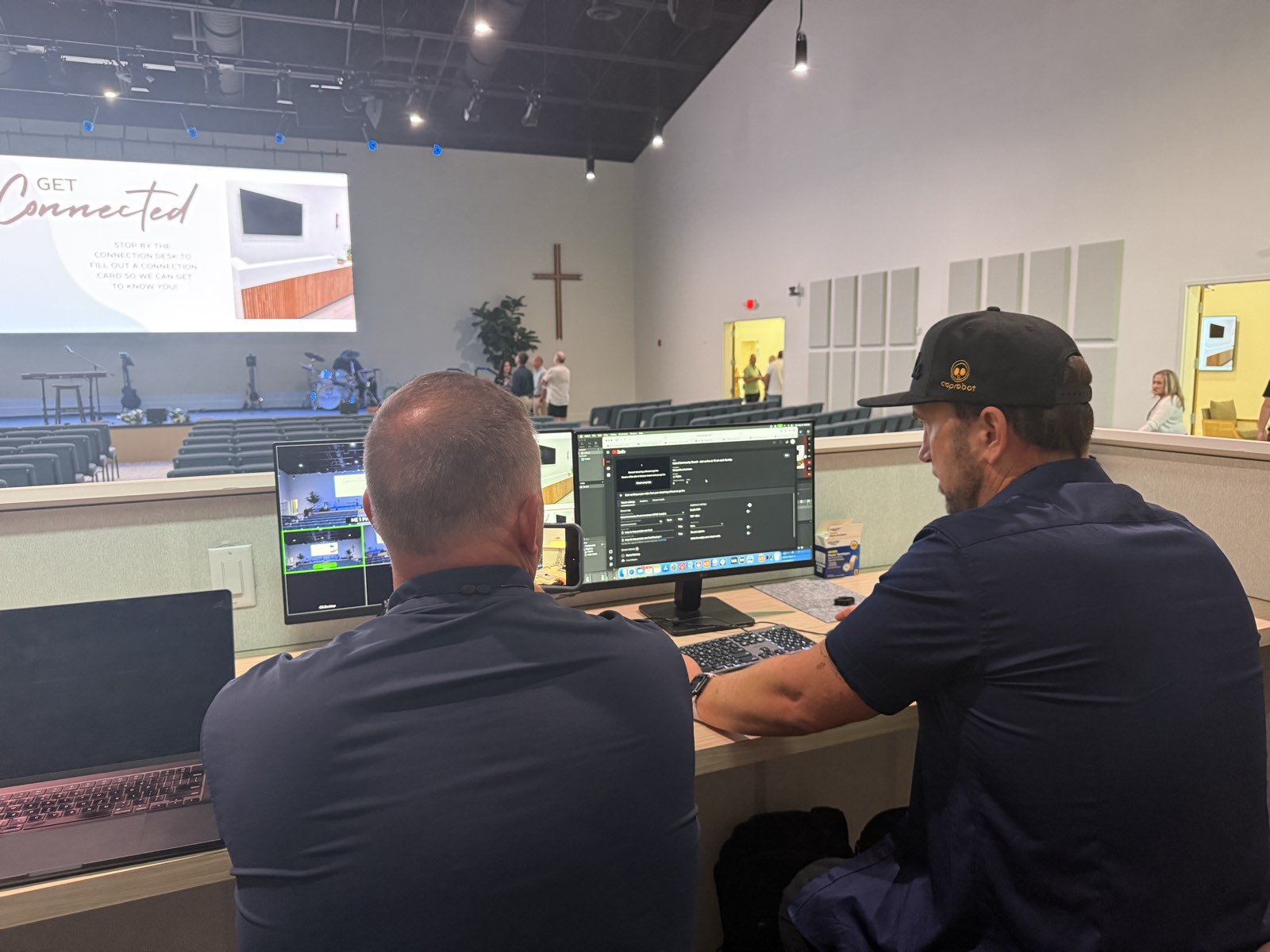
A mix is judged on the weeks you are not there. That idea, from our conversation on why your mix doesn't matter if volunteers can't recreate it, is the heart of volunteer training. Consistency comes from process, not from one gifted operator.
A simple weekly process for sound:
- Load the default file.
- Save it as this weekend's file, so the default is never changed.
- Line check every input.
- Set gain first. Gain is the foundation of a mix that can be recalled.
- Soundcheck, then save.
Protect the default file. It is the thing every volunteer depends on.
What to teach first
New volunteers do not need to know everything. Teach the things that prevent a bad Sunday.
- Sound: how to recall the scene, set gain, keep speech clear, manage pre-service volume and mute what is not in use. Then compression and how groups work.
- Video: how to recall saved camera shots, cut between cameras and start and stop the stream.
- Lighting: how to recall the looks for each part of the service. Our Lightkey operator training shows how.
- Lyrics and graphics: how to follow the service and stay a line ahead. See ProPresenter for church volunteers.
- What to do when something goes wrong: who to call and the three most likely fixes.
How to run a training session
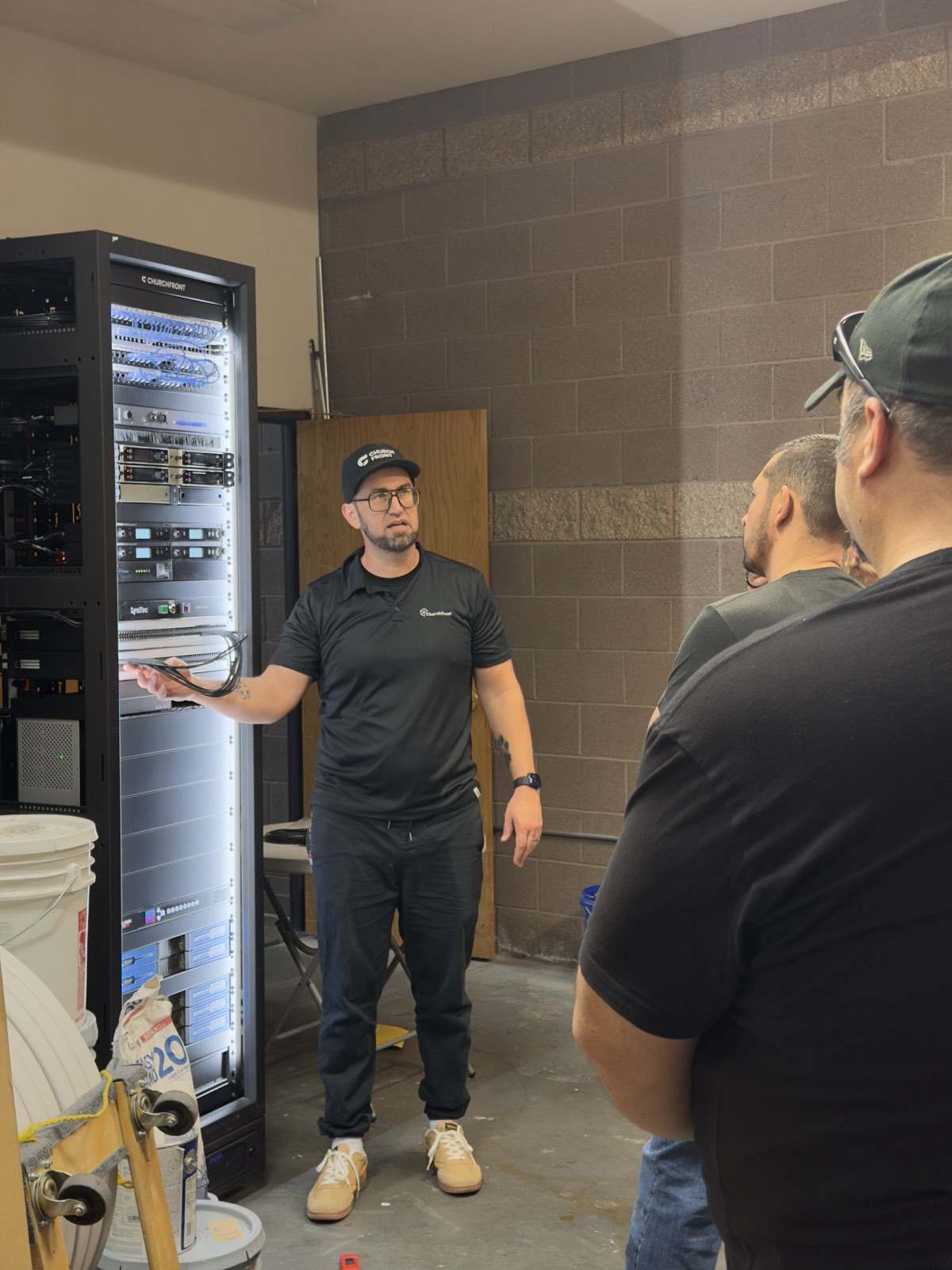
- Train in the room, on the real system. Not in a classroom.
- Use a rehearsal, not a Sunday. A midweek rehearsal with the band gives real sound to work with and no pressure.
- Let them drive. Hands on the console, with you beside them.
- Teach one role at a time.
- Come back to it. Training lands better once volunteers have run a few services and have questions. At Hebron Christian Church we returned about six weeks after installation to train the team during a Wednesday rehearsal. See the Hebron project.
- Record it, so the next new volunteer can watch.
The roles on a production team
It helps to know which role you are training someone for. A production ministry has six, and very few churches have all of them on staff:
- Operator: runs audio, lyrics, lights or video in the service.
- Service producer or production director: recruits, trains, schedules and calls cues.
- AV system designer: plans systems, coverage, power, rigging and sightlines.
- Systems engineer: produces schematics, rack elevations and as-built documents.
- Technician: builds racks, pulls and terminates cable, rigs equipment.
- AV consultant: connects the ministry's vision to what is technically possible.
Most volunteers are operators. The role churches most often lack is the producer, the person who builds and looks after the team. Read more in the six roles every church production ministry needs.
Free training for your team
A free Churchfront account gives your whole team access to our course library: thirty courses covering audio, video, lighting, networking, worship and leadership. They include Audio 101, Audio 201, Audio 202: Mixing for Broadcast, Lighting 101: Foundations of Church Lighting, Broadcast Video 101 and 201, ProPresenter Essentials and Leadership 102: Building a Dedicated Team.
Create a free account and start a course. Assign one course per role, and use your in-room training to apply it to your own system.
For churches that want a coach alongside them, Churchfront Premium adds small group coaching twice a week and a monthly private call.
Common questions
How do you train church sound volunteers?
On your own console, in your room, during a rehearsal. Start from a saved scene, teach gain and clear speech first, and give them a written weekly process. Let them run it with someone beside them before they run a Sunday alone.
How long does it take to train a church tech volunteer?
A volunteer can learn to run a well set up system from a saved starting point in a session or two. Becoming confident takes several services, which is why follow-up training a few weeks later is worth scheduling.
What should a new church tech volunteer learn first?
How to start from the saved setting, the few controls they will use every week, and what to do if something goes wrong. Depth comes later.
How do we keep tech volunteers from burning out?
Make the system simple enough that more people can run it, so the load is shared. A team that depends on one person wears that person out.
Is there free training for church tech teams?
Yes. A free Churchfront account includes thirty courses for audio, video, lighting and leadership, for your whole team.
Next steps
Ask one question: if your most experienced operator were away this Sunday, could someone else run the service from what is written down and saved? If not, start there.
Start with the free courses, or see how training fits into our design and installation process.