
The short answer: for most churches, the best PTZ camera is a Canon CR-N series camera, because it holds focus, color and detail in difficult church lighting. For smaller rooms and budgets, the PTZOptics Move series is a strong choice and includes auto-tracking. Whichever you choose, use the same model throughout so the pictures match.
This guide explains what a PTZ camera is, what to look for, how the cameras we have tested compare, and what we specify in the church video systems we design.
In this guide
- Why PTZ cameras suit churches
- What to look for in a church PTZ camera
- The cameras we have tested
- What we specify
- Placement and control
- Lighting comes first
- Common questions
- Next steps
Why PTZ cameras suit churches
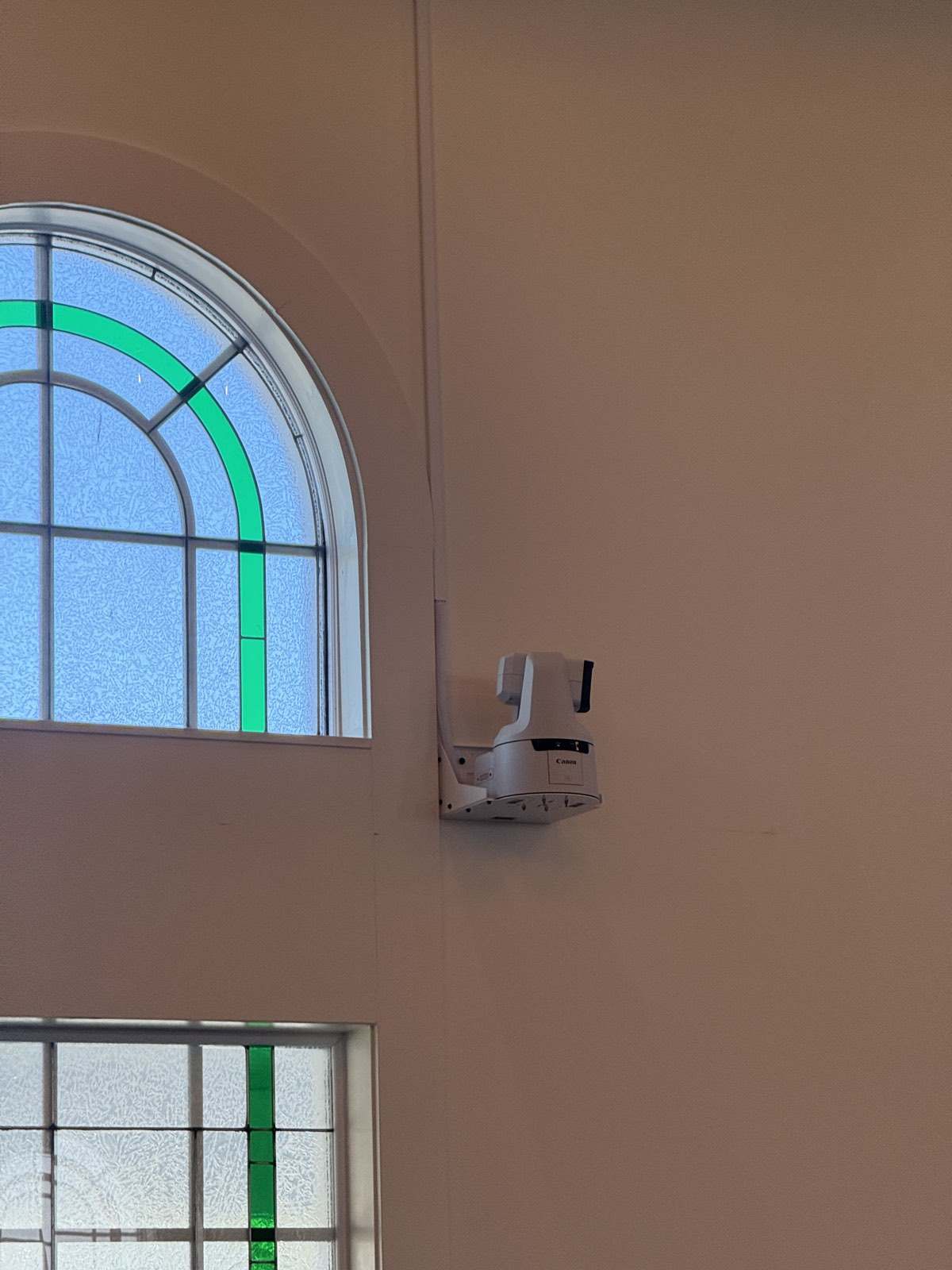
PTZ stands for pan, tilt and zoom. The camera is mounted on a wall, a ceiling or a shelf and moved remotely from the booth. One volunteer can run several cameras, there is no operator standing in the aisle, and saved shots can be recalled with a single button.
That makes PTZ the best first choice for most churches. Manned broadcast or cinema cameras produce a more refined picture and smoother movement, and they need trained operators every week. Many larger churches use both.
What to look for in a church PTZ camera
Low light and dynamic range
Church lighting is hard on cameras: bright faces, dark backgrounds, stained glass and LED walls in the same shot. A camera with good low-light performance and wide dynamic range keeps detail in both the bright and dark areas.
Autofocus that holds
A soft picture is the most common complaint about church video. Autofocus that locks onto a person and stays there, instead of drifting to a bright window behind them, matters more than resolution.
Enough zoom for your room
Measure the distance from the camera position to the pulpit. The camera needs enough optical zoom to frame a head-and-shoulders shot from there. Digital zoom softens the picture and is not a substitute.
The right connections
Most PTZ cameras offer SDI, HDMI and a network port. SDI is the dependable choice for a permanent installation. NDI sends video over the network, which saves cabling but depends on a well-built network. Power over Ethernet lets one network cable carry power and control.
Tracking, if you need it
Auto-tracking follows a speaker without an operator. It is useful for a pastor who walks. It is included on some cameras and a paid license on others, so check before comparing prices.
Control your volunteers can learn
Look at the controller and the camera's setup screens, not only the camera. A system that is confusing to set up will be confusing to fix on a Sunday.
The cameras we have tested
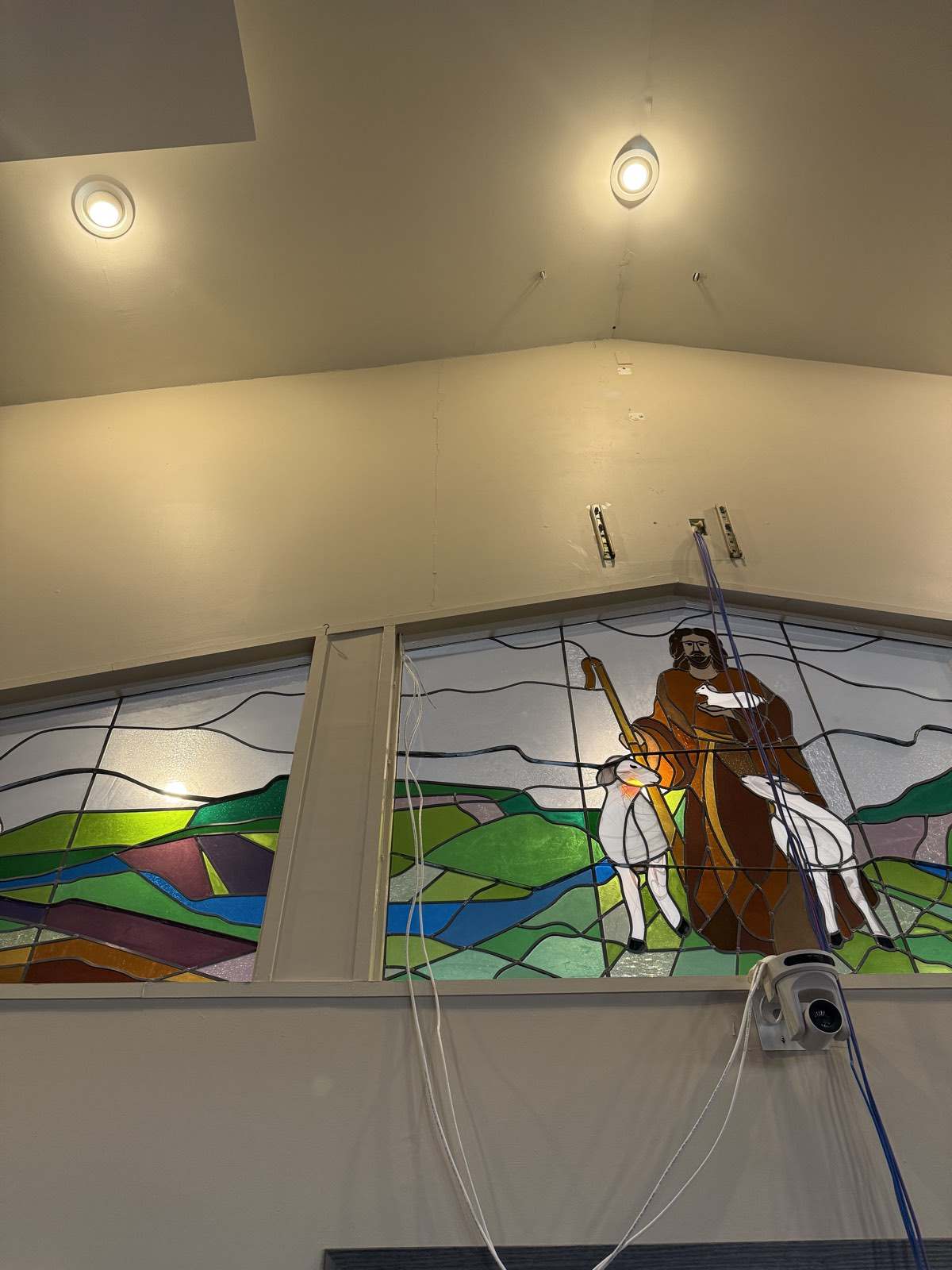
Canon CR-N300
In our side-by-side test in real church lighting, the Canon CR-N300 led on color, autofocus, dynamic range and low-light performance, and its setup screens were clearer. It was about $2,400 when we tested it. Full auto-tracking is a paid license on top. For 4K over SDI, the Canon CR-N700 is the step up. Read the full comparison in Canon CR-N300 vs PTZOptics.
PTZOptics Move 4K and Move SE
The PTZOptics Move 4K was just under $2,000 when we tested it, and the 1080p Move SE around $1,000. Both include auto-tracking out of the box, and the tracking is smooth. In the same test, the Move 4K struggled more with focus against stained glass and with bright highlights, and was softer in low light. In a well-lit room it is a strong choice for the budget. Our Move 4K and Move SE review has the detail. For transparency: Churchfront is a PTZOptics dealer.
OBSBOT Tail 2 and Tail Air
The OBSBOT Tail 2 is a compact tracking camera with natural-looking tracking and professional connections. It suits rooms where the camera sits within about 40 to 60 feet of the platform, and it follows one person, not a group. We do not recommend the smaller OBSBOT Tail Air for a worship service. It is better suited to classrooms and meetings. See the best auto-follow camera under $2,000.
Prices change. Treat the figures above as what we saw at the time of each review, not a current quote.
What we specify
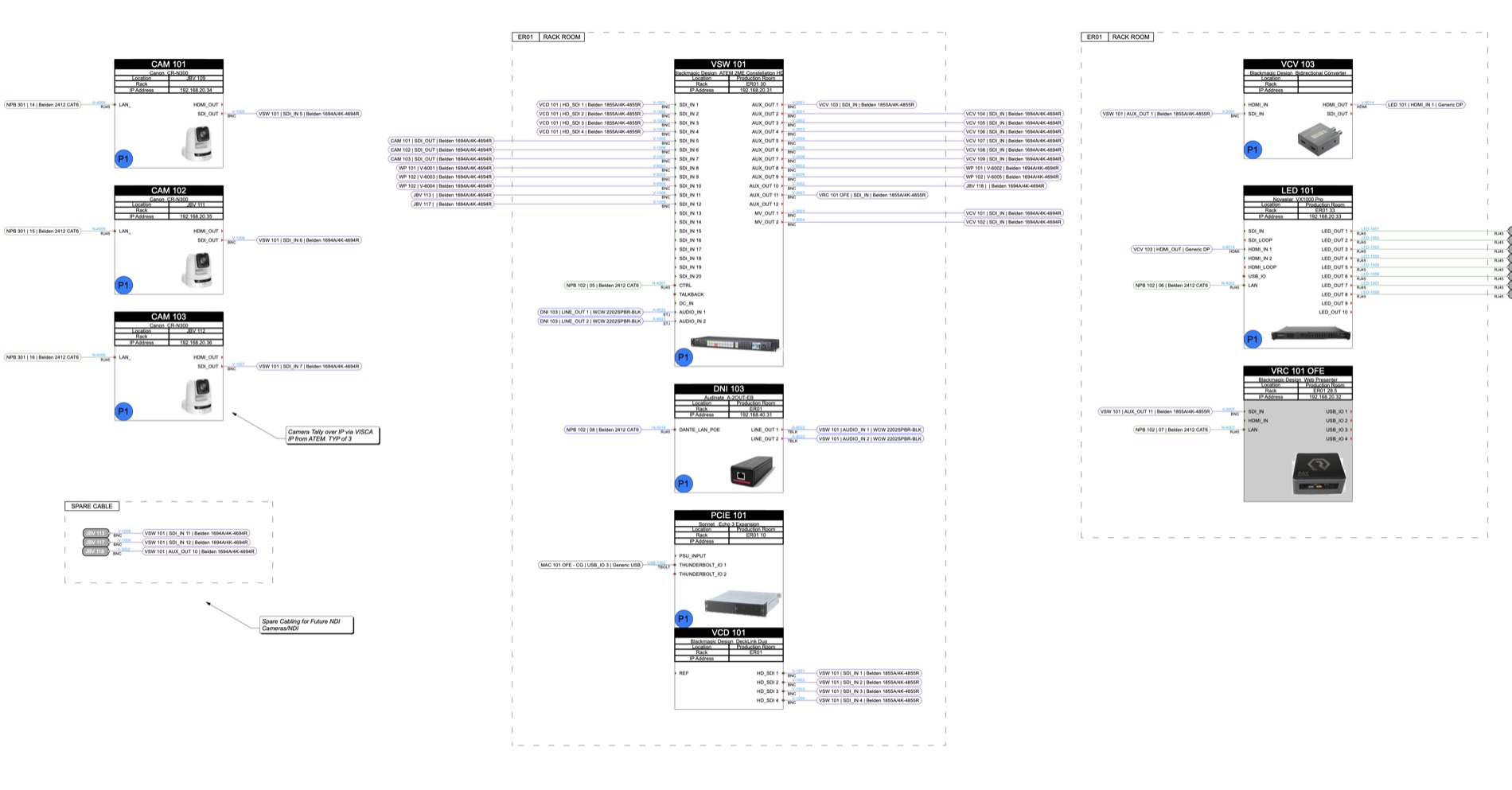
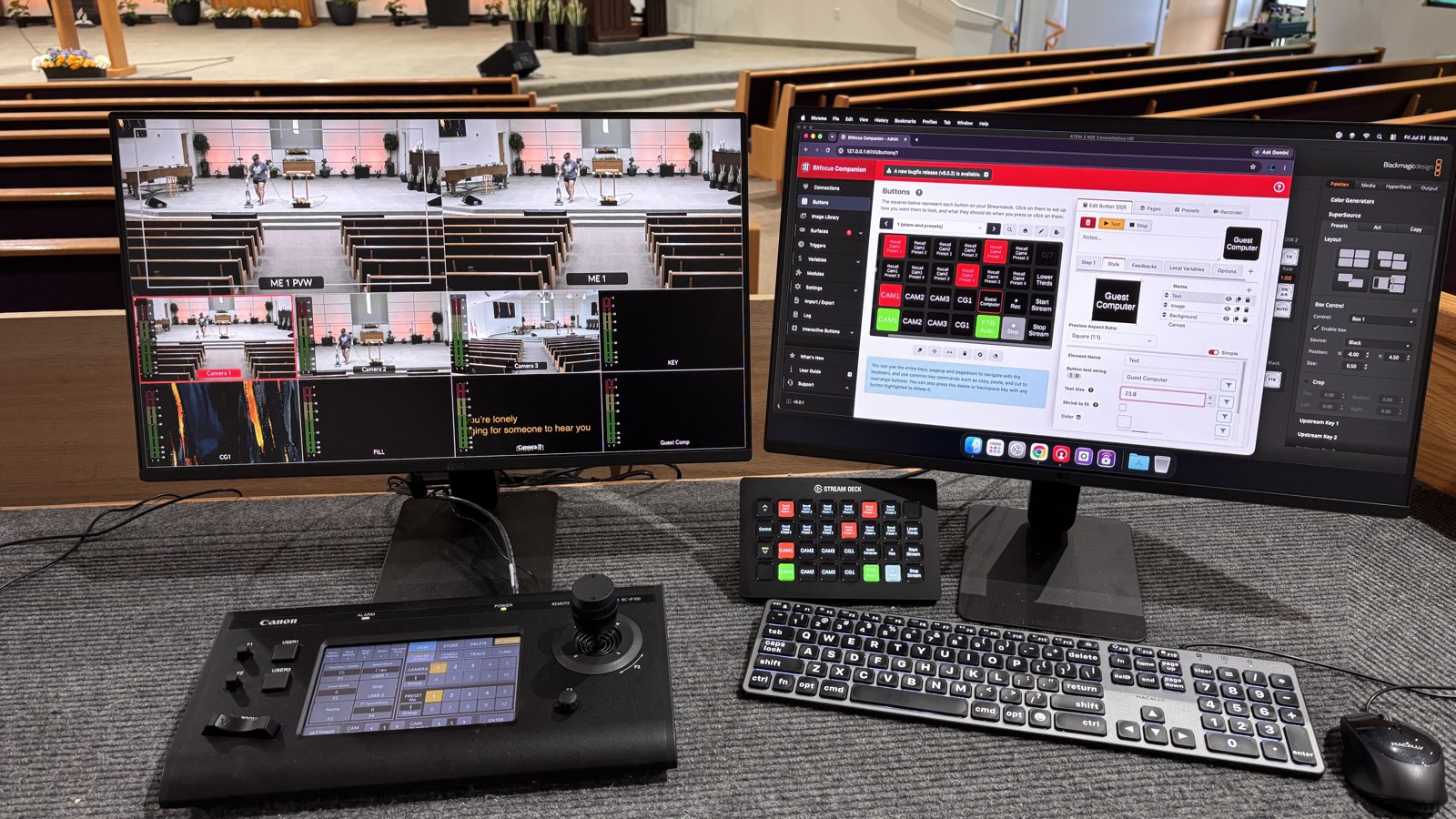
We specify Canon CR-N PTZ cameras on most projects, with PTZOptics for smaller rooms and budgets. Control is usually a Canon RC-IP controller and an Elgato Stream Deck with saved shots, feeding a Blackmagic ATEM switcher.
We use the same camera model across a room. Different models delay the picture by different amounts and render color differently, so mixing them makes cuts between cameras look uneven.
For a small church, the Canon CR-N300 and the PTZOptics Move SE are both strong starting points.
Placement and control

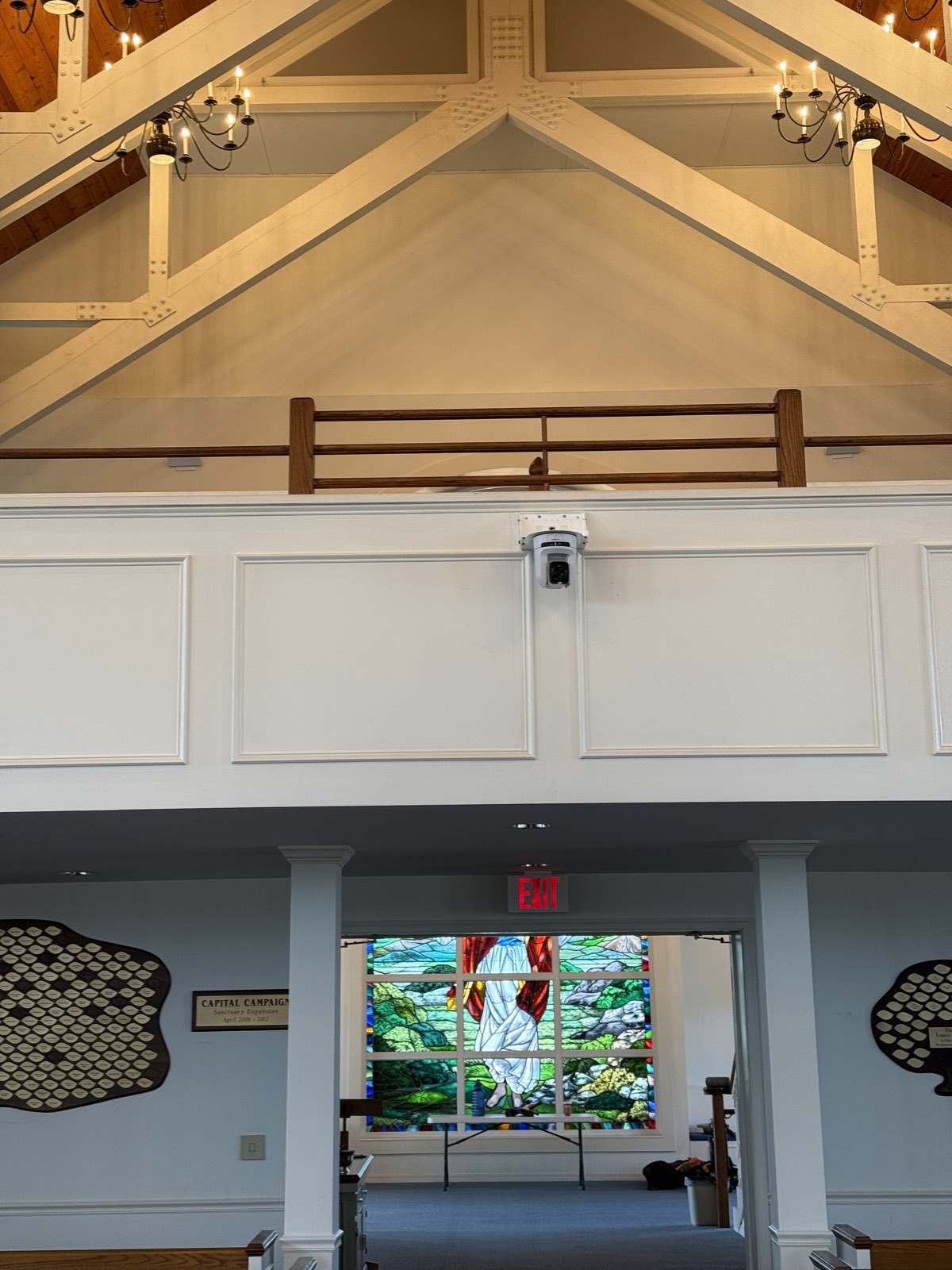
- Put the first camera straight on to the pulpit, at about eye height. A camera mounted high looks down on people.
- Add a second position off to one side for the worship team and for variety.
- Mount cameras on solid structure. A camera on a flexing wall or a balcony rail shakes when zoomed in.
- Run permanent cable to each position. Temporary cable across a floor fails sooner or later.
- Save a small set of shots and label the buttons, so a new volunteer can run a service on the first try.
Common mistakes
- Buying a camera to fix a lighting problem. Dark faces stay dark at any resolution.
- Mounting the camera too high. It looks down on the speaker and loses eye contact with the viewer.
- Mixing camera models. Color and picture delay differ, so cuts look uneven.
- Relying on digital zoom. It softens the picture. Choose enough optical zoom for the distance.
- Running video over a shared network. Guest Wi-Fi and office traffic cause dropouts. Use SDI or a dedicated network.
- Paying for 4K before fixing focus and light. A clean 1080p picture looks better than a soft 4K one.
Lighting comes first
If faces are dark or uneven on your stream, a new camera will show the same problem more sharply. Audio and lighting come before video. Even front light on the people who speak and lead does more for the picture than any camera upgrade. Our guide to lighting for churches explains how.
Common questions
What is the best PTZ camera for a church?
For most churches we specify Canon CR-N series cameras, because they handle church lighting well and hold focus. For smaller rooms and budgets, the PTZOptics Move series is a strong choice and includes auto-tracking.
How many PTZ cameras does a church need?
One is enough to start. Two or three cover most services: a wide shot, a close shot of the speaker and a shot of the worship team.
Is auto-tracking worth it for a church?
It helps when a pastor moves around the platform and you have no camera operator. It tracks one person at a time, so it does not replace an operator for a full worship team.
Should church cameras use NDI or SDI?
SDI is the dependable choice for a permanent installation. NDI works well on a properly built network and saves cabling. If your network is shared with guest Wi-Fi and office computers, use SDI.
Do we need 4K cameras for a church livestream?
Usually not. Most churches stream in 1080p, and a 1080p camera with good low-light performance and autofocus looks better than a 4K camera without them.
Next steps
Measure the distance from your likely camera position to the pulpit, and watch last Sunday's stream for dark or soft faces. Those two things decide which camera you need, and whether lighting should come first.
When you are ready for help, see how we design church live streaming and video systems, or start with a pre-design visit.