
A good church live stream does not start with an expensive camera. It starts with clear audio, faces people can see and a setup a volunteer can start the same way every Sunday. Get those right and a small church can stream a service people actually stay with to the end.
This guide walks through the parts of a church live streaming setup in the order they matter, then lays out two simple starter systems that work well for small churches.
In this guide
- Why it is worth doing well
- The six parts of a church streaming setup
- Two simple starter setups for small churches
- Make it easy for volunteers
- When to go beyond a starter setup
- Common questions
- Next steps
Why it is worth doing well
For many people, your livestream is their first visit to your church. It is also how homebound members, traveling families and people who are sick stay connected. A stream does not need to look like television. It needs to feel like being in the room: people can hear the sermon clearly, see the faces of the people leading, and trust that it will be there on Sunday.
The six parts of a church streaming setup
Every church stream, from one camera to ten, has the same six parts. They are listed here in the order we recommend improving them, because the first two make more difference than any camera upgrade.
1. Audio: a mix made for the stream
People at home listen through laptop speakers, phones and earbuds, not a PA. The most common reason a church stream sounds thin is that it is fed from the house mix, which is built for a room full of speakers and a band that is already loud in the room.
The fix is a dedicated broadcast mix: a separate mix from your console, balanced for headphones, with one or two microphones capturing the congregation singing so the stream does not sound like an empty building. Most modern digital consoles can create one without extra hardware.
2. Lighting: faces first
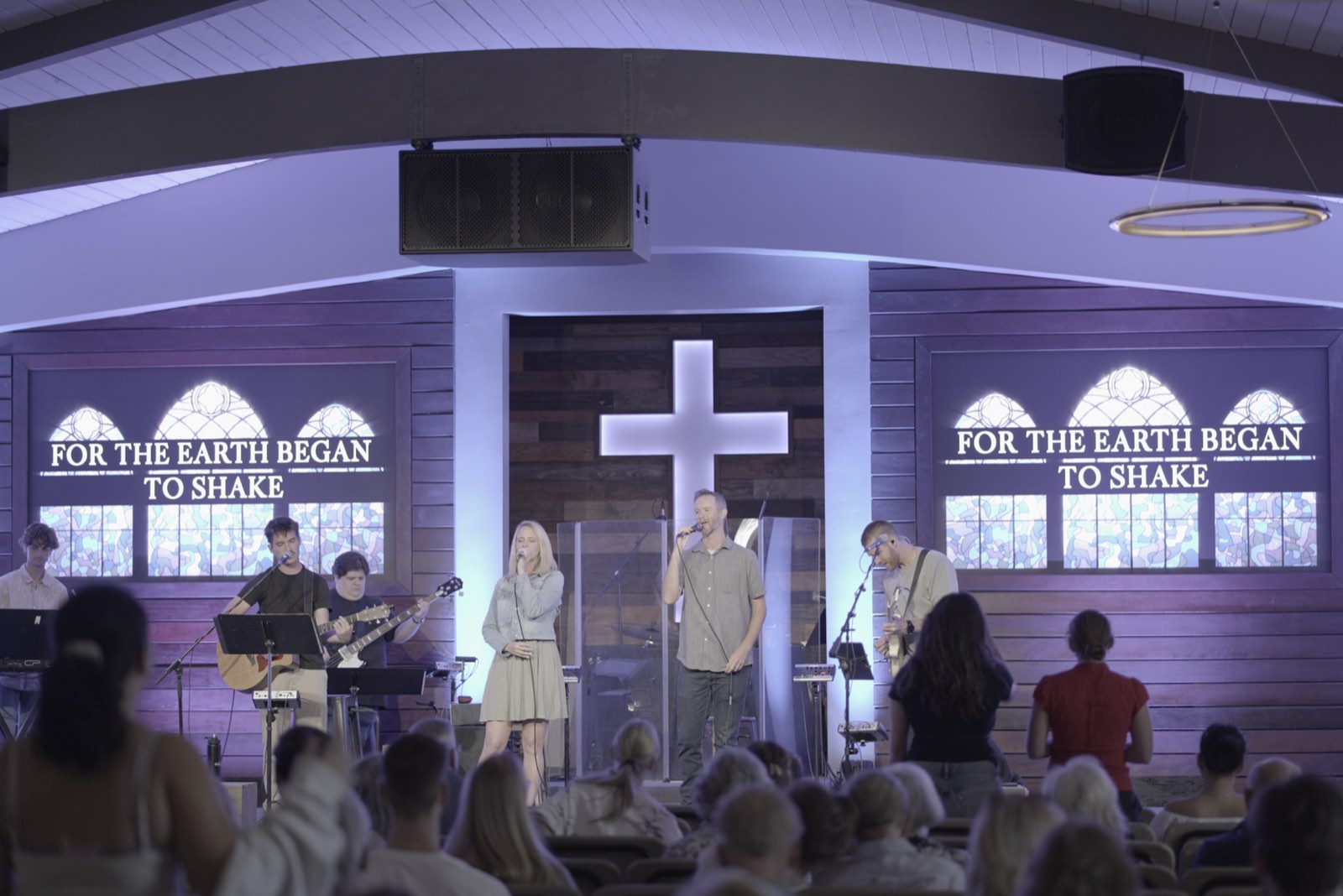
A camera needs more even light than the eye. If the pastor and worship leader are in shadow, no camera will fix it. Good front light on the platform is the single biggest visual improvement most churches can make. Our church lighting guide explains where to start.
3. Camera
One well-placed camera with good light beats three poorly placed ones. For small churches, a PTZ (pan, tilt, zoom) camera is usually the best first choice: it mounts out of the way, a volunteer controls it remotely, and saved presets make every shot repeatable. The Canon CR-N300 and the PTZOptics Move SE are both strong starting points. Place it straight on to the pulpit, at about eye height, far enough back to frame the preacher and the worship team.
4. Switcher
A switcher chooses what the stream shows: the camera, the lyrics, the sermon slides or a combination. It can be software, like ProPresenter, or a hardware switcher, like the Blackmagic ATEM Mini Pro.
5. Encoder
The encoder compresses the video and audio and sends it to YouTube, Facebook or your website. ProPresenter and the ATEM Mini Pro can both stream directly. A dedicated hardware encoder with a streaming platform adds reliability when the network struggles. We tested several side by side in our church encoder comparison.
6. Network
The stream needs a wired internet connection with enough upload speed, tested during a real service, not on a weekday. Streaming over the building Wi-Fi is the most common reason a small church stream drops on the Sundays that matter most.
Two simple starter setups for small churches
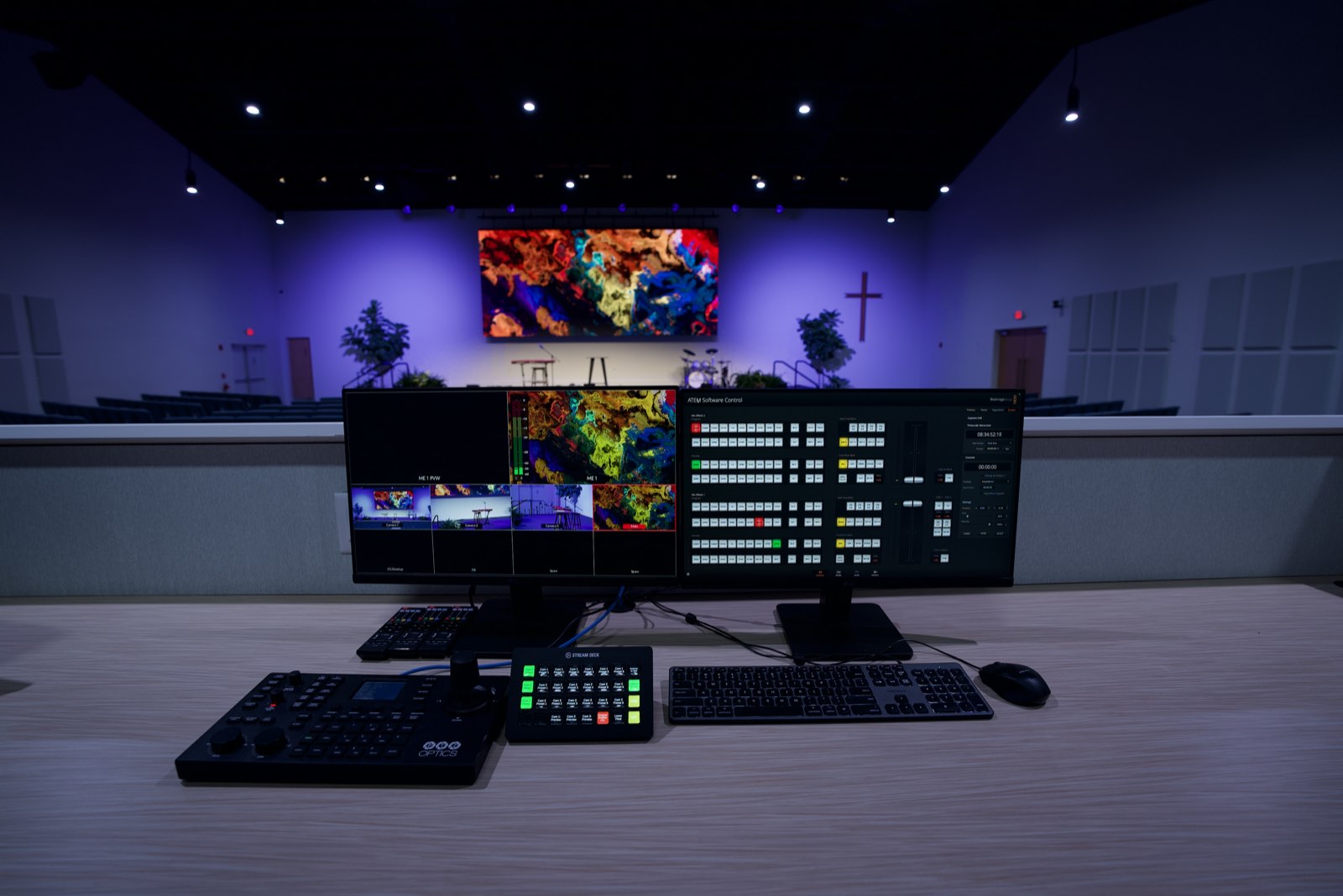
Setup 1: ProPresenter as the switcher and encoder
If your church already runs ProPresenter for lyrics and slides, it can also bring in a camera, put lyrics and sermon points over live video, and stream directly. One computer does the whole job.
- Best for: churches already using ProPresenter, with a volunteer comfortable on a computer.
- Strengths: lyrics and lower thirds over live video, one familiar interface, fewer boxes.
- Tradeoffs: the presentation computer is doing several jobs at once, and streaming directly leaves little buffer if the network struggles. Pairing ProPresenter with a streaming platform like Resi or BoxCast adds resilience.
Setup 2: a hardware switcher that streams
A compact hardware switcher like the Blackmagic ATEM Mini Pro takes several video inputs, including the camera and a feed from the presentation computer, and streams directly without extra software.
- Best for: churches that want physical buttons and a system that is simple to explain to a new volunteer.
- Strengths: tactile and intuitive, separate from the presentation computer, affordable to start.
- Tradeoffs: less integration with lyrics and slides, and the same limited resilience as any direct stream.
In both setups, the audio comes from a dedicated broadcast mix on your console, the camera is a PTZ, and the internet connection is wired.
Make it easy for volunteers
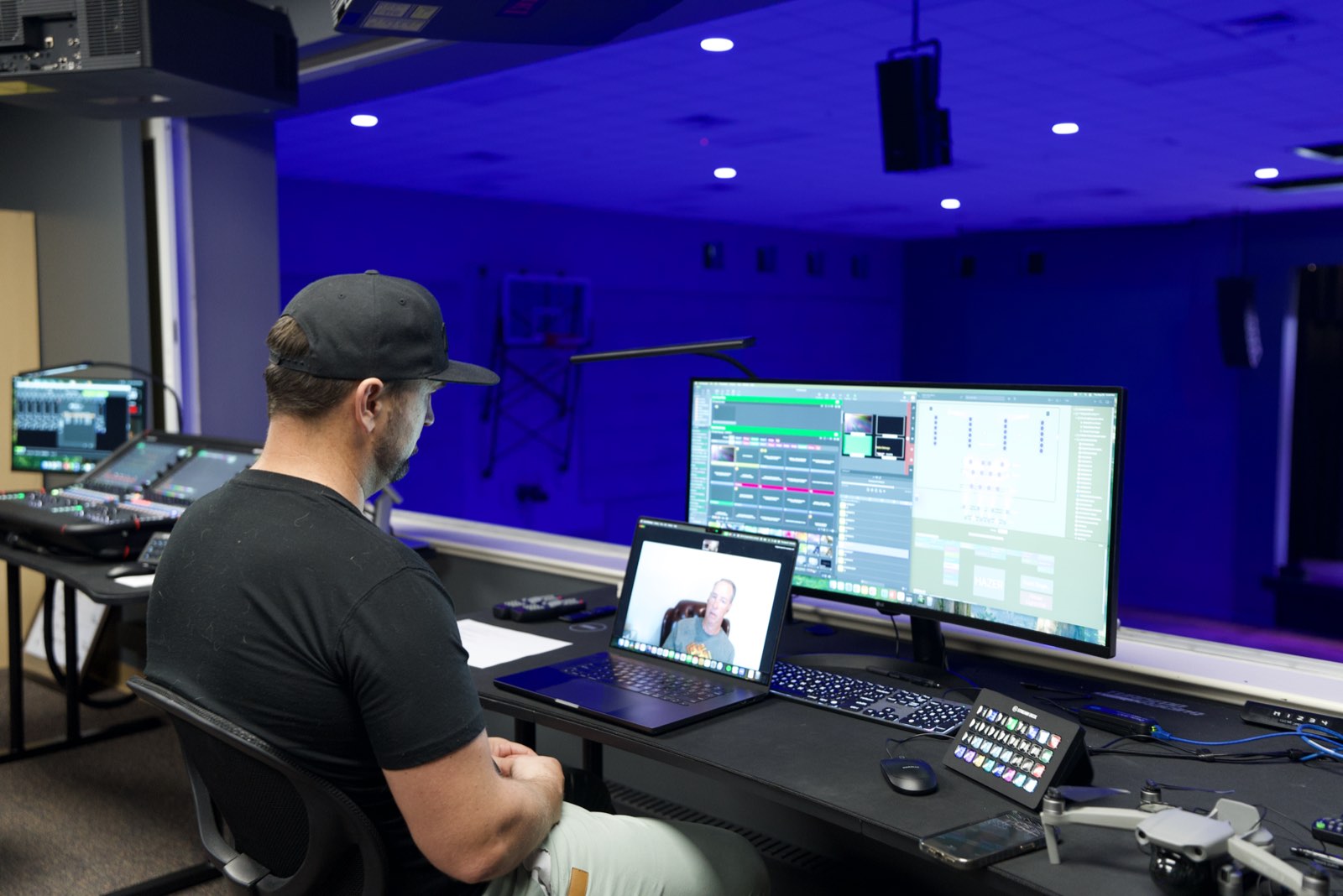
The best streaming setup is the one that starts the same way every week. A few habits make a big difference:
- Save camera presets for every shot you use, and label them.
- Write a one-page start-up checklist and tape it to the desk.
- Schedule the stream to start automatically if your encoder or platform supports it.
- Watch the stream on a phone during the service so someone notices problems before the people at home do.
- Train at least two people, so the stream does not depend on one volunteer.
When to go beyond a starter setup
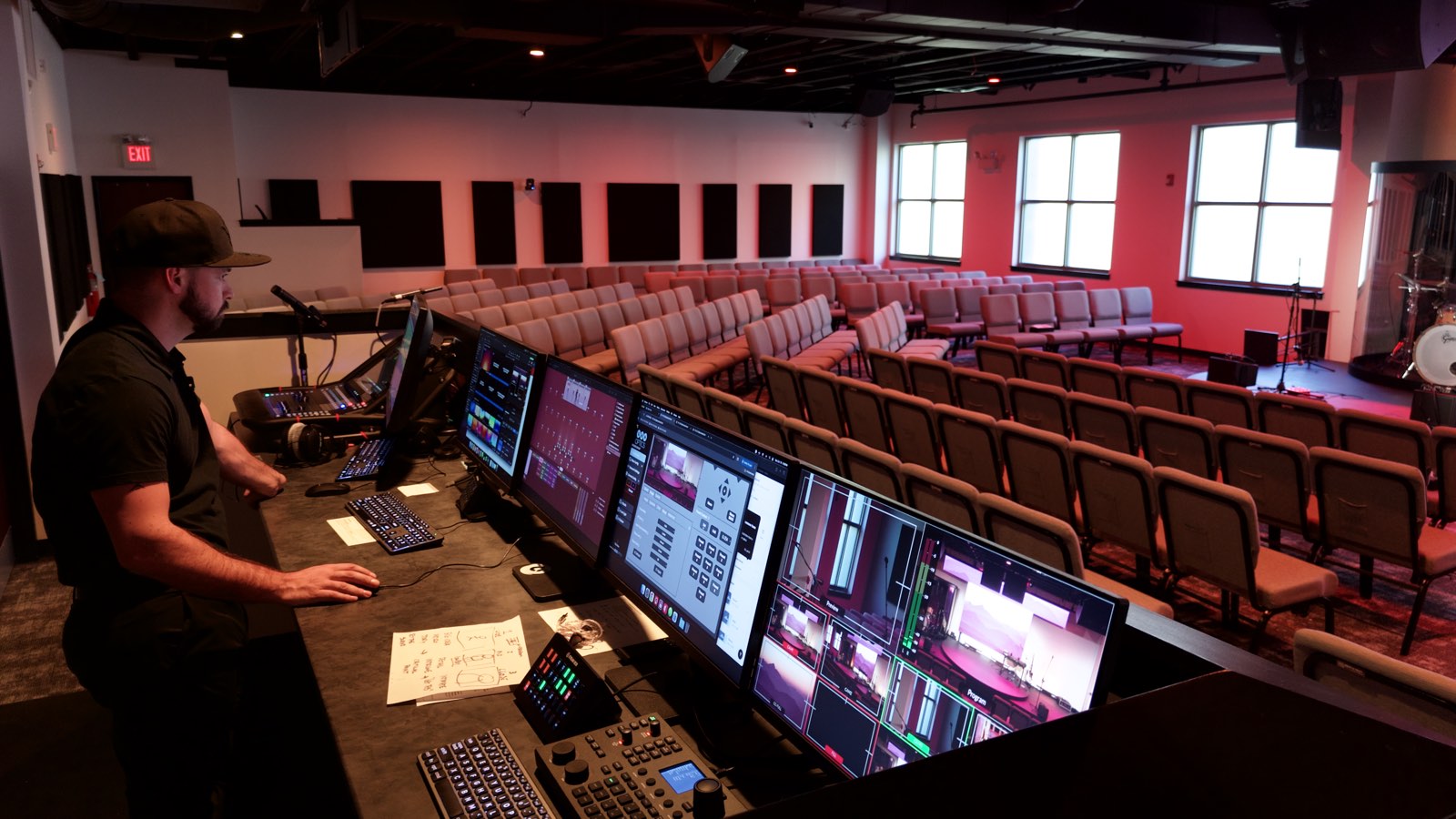
A starter setup can serve a church well for years. It is time to plan a larger system when you want more than one or two camera angles, IMAG on the screens in the room, a dedicated production team, or a stream that never drops. At that point the cameras, switcher, broadcast audio, encoder, lighting and network need to be designed together.
When we design a full streaming system, a few choices come up again and again: Canon CR-N PTZ cameras with Canon RC-IP controllers, Blackmagic ATEM Constellation switchers, Blackmagic Web Presenter or BoxCast Spark SDI encoders, Blackmagic HyperDeck recorders and Elgato Stream Deck control, all fed by a broadcast mix from an Allen & Heath console.
Common questions
What equipment is needed to live stream a church service?
At minimum: a camera, a way to switch or record the picture, a dedicated audio feed, an encoder and a reliable wired internet connection. Most churches get the biggest improvement from a proper broadcast mix and good front light before adding cameras.
What is the best live streaming setup for a small church?
For most small churches, one PTZ camera, a dedicated broadcast mix, good front light, and either ProPresenter or a compact hardware switcher like the ATEM Mini Pro. Choose the switcher your volunteers will find easiest to run.
Can we live stream a church service with just a phone or webcam?
You can start that way, and it is better than not streaming. The biggest upgrades after that are a direct audio feed from your console and better light, not a more expensive camera.
Why does our church livestream sound bad?
Usually because it is fed from the house mix. A dedicated broadcast mix, balanced for headphones and with microphones capturing the congregation, fixes most of it.
How many cameras does a small church need?
One well-placed camera is enough to start. A second camera for a wide shot or the worship team adds variety once your team can run it confidently.
Next steps
Start with the first two parts: set up a dedicated broadcast mix and look at your front light through your camera. Then choose the starter setup that fits your team.
When your church is ready for more than a starter setup, see how we design and install church live streaming and video systems, or start with a pre-design visit.